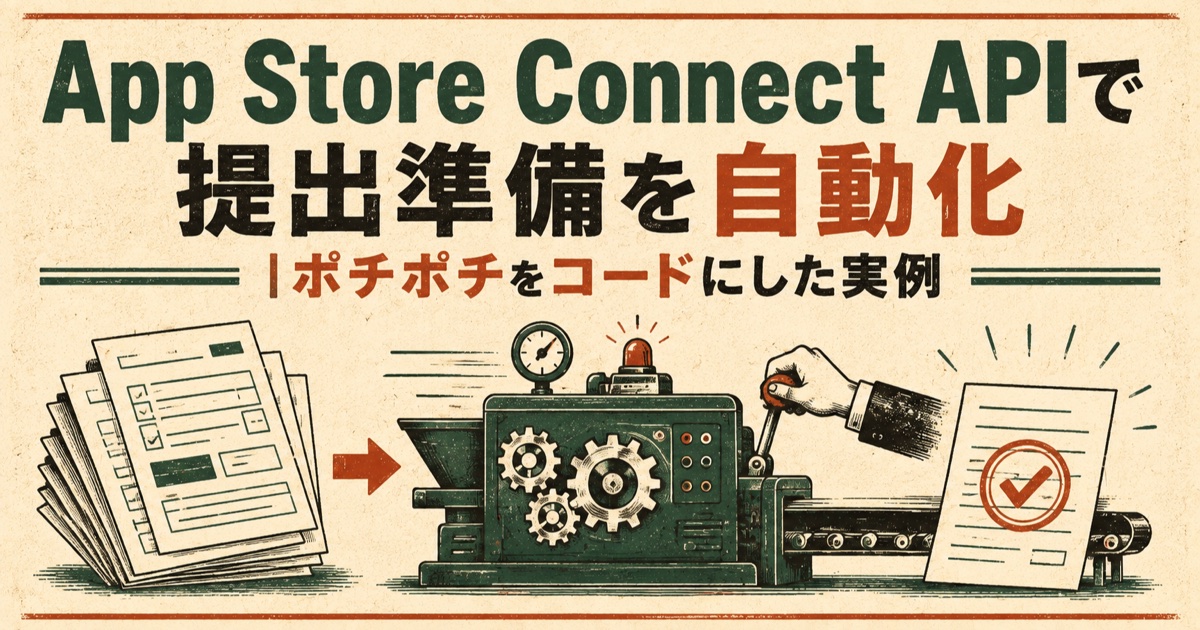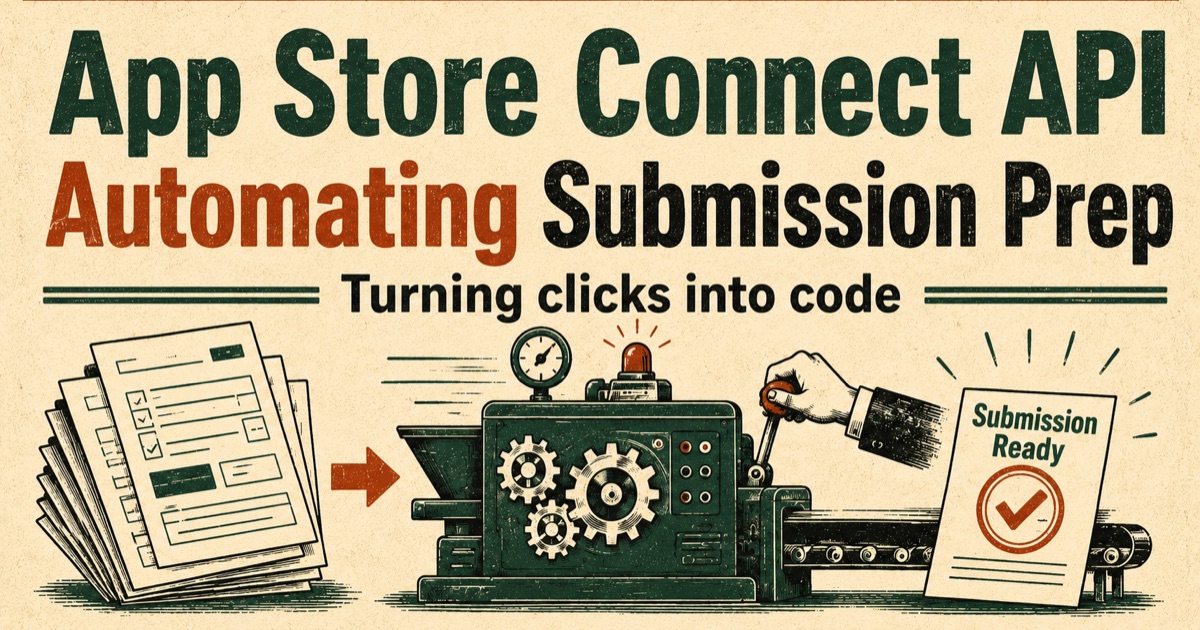
Between finishing an app and getting it into the store there's a task that's quietly the most exhausting part of the whole process: filling out App Store Connect.
App name, subtitle, a 4,000-character description, 100 characters of keywords, the age rating questionnaire, review notes, in-app purchase details — all typed into web forms, bounced back for exceeding a limit, re-pasted, and every edit means reopening the same screens.
For my last release — a photo album app for cat owners — I turned this input work into code with the App Store Connect API. This post has the actual script, what the API couldn't reach, and four traps I stepped on during submission.
What you'll learn
- The first thing everyone gets stuck on with ASC API auth (you build the JWT yourself)
- The metadata script, including pre-flight character-limit checks
- What the API could not do
- Four submission traps: withdrawal,
releaseType, IAP availability, and a forbidden character
The short version: input is code; the Submit button stays human
- The ASC API works with zero dependencies. Build a JWT with Node's
node:cryptoand callfetch - The benefit isn't speed — it's that re-doing things stops being scary. The script only PATCHes, so running it ten times yields the same state
- But there are places the API doesn't reach. The App Privacy questionnaire is the big one
- And I deliberately left
reviewSubmissionout of the script. Code gets everything ready; a person presses the button
Auth: build the JWT yourself
ASC API auth is a Bearer token: a JWT signed with ES256 using the .p8 private key you generate in Connect. No library needed.
// ES256 JWT (max lifetime 20 min; using 10 here)
export function makeToken() {
  const now = Math.floor(Date.now() / 1000);
  const header = { alg: "ES256", kid: KEY_ID, typ: "JWT" };
  const payload = { iss: ISSUER_ID, iat: now, exp: now + 600, aud: "appstoreconnect-v1" };
  const signingInput = `${b64url(JSON.stringify(header))}.${b64url(JSON.stringify(payload))}`;

  const key = createPrivateKey(readFileSync(KEY_PATH));
  const signer = createSign("SHA256");
  signer.update(signingInput);
  // ES256 wants raw r‖s, not DER
  const sig = signer.sign({ key, dsaEncoding: "ieee-p1363" });

  return `${signingInput}.${b64url(sig)}`;
}
The last line is where everyone gets stuck. Node's sign() returns a DER-encoded signature by default; JWT's ES256 requires r and s concatenated in raw form. Without dsaEncoding: "ieee-p1363", auth fails even though your key is correct.
After that it's just fetch. The client fits in 78 lines and doubles as a CLI:
node tools/asc/asc.mjs GET /v1/appsThat one line is how I explore the API. Looking at a real response beats reading the docs.
Pushing the metadata
The main script does exactly five PATCH calls.
| # | Target | Endpoint |
|---|---|---|
| ① | Name, subtitle, privacy URL | appInfoLocalizations |
| ② | Primary / secondary category | appInfos |
| ③ | Age rating | ageRatingDeclarations |
| ④ | Description, keywords, promo text, support URL | appStoreVersionLocalizations |
| ⑤ | In-app purchase review notes | inAppPurchases |
③ is the one that pays off. The web form is 20+ dropdowns selected one at a time. In code:
// Age rating: everything "NONE" / false → 4+
const ageRating = {
  alcoholTobaccoOrDrugUseOrReferences: "NONE",
  gamblingSimulated: "NONE",
  horrorOrFearThemes: "NONE",
  violenceCartoonOrFantasy: "NONE",
  // …every field in the questionnaire
  userGeneratedContent: false,
  unrestrictedWebAccess: false,
  kidsAgeBand: null,
};
It's diffable and reviewable, so "what did I answer last time?" stops being a question.
Check character limits before sending
This is the small thing that helps most: validate limits locally and abort before the API call.
const limits = [
  ["name", appInfoLocalization.name, 30],
  ["subtitle", appInfoLocalization.subtitle, 30],
  ["promotionalText", promotionalText, 170],
  ["description", description, 4000],
  ["keywords", keywords, 100],
];
for (const [k, v, max] of limits) {
  if (v.length > max) {
    console.error(`${k} over limit: ${v.length}/${max}`);
    process.exit(2);
  }
  console.log(`  ${k}: ${v.length}/${max}`);
}
Every run prints keywords: 97/100, so remaining keyword budget is visible at a glance. The paste-reject-trim loop in the web UI is gone.
Idempotent, with a dry run
Two design rules:
- PATCH only — running it again always produces the same state. Edit copy, re-run
--dry-run— print the payload as JSON and exit. Confirm before touching production
Together these make the script safe to re-run casually. That, far more than time saved, is the real value of turning it into code.
The source of truth for the copy is a Markdown document, not the script. The script is just the courier; editing happens in the text file.
What the API couldn't reach
Honestly:
- App Privacy questionnaire — "Data Not Collected" etc. was done in the web UI
- Adding an in-app purchase to the submission — the biggest wall (below)
- Creating the app record and Sandbox testers — Connect UI
- Archive and upload — Xcode
So it's not fully automated. But the high-volume, frequently-edited parts (description, keywords, age rating, review notes) are covered, and the felt burden drops a lot.
Four traps during submission
This may be the actual point of the post.
1. You can't add an IAP to the submission via the API
For a first release, the app and its in-app purchases must go in the same submission. But I couldn't find a public API relationship for attaching an IAP to a review submission.
The workaround is a combination: in the Connect IAP page, click "Add for Review" to create a draft submission, then attach version 1.0 to that same draft via the API. Two tools, one draft.
2. A submission that's already sent has to be withdrawn
My first submission (version only) was already in a sent state, so I couldn't add the IAP. I canceled it, waited for the version to become DEVELOPER_REJECTED, and rebuilt.
Once you know "you can withdraw and redo," it's not scary. The first time, it feels irreversible for a moment.
3. Withdrawing resets releaseType
This was the dangerous one. After withdraw → resubmit, releaseType had reverted from my manual-release setting to AFTER_APPROVAL (auto-publish on approval).
Had I not noticed, the app would have gone live the instant review passed — before my smoke test. Re-check releaseType after every submission is now written in red in my checklist.
4. IAP availability was Japan-only
A setting I caught right before submitting: the in-app purchase was available in Japan only. Fixed via inAppPurchaseAvailabilities to all 175 territories. IAP availability is managed separately from the app's own territories, which makes it easy to miss.
Bonus: a character the description rejects
Connect refuses the box-drawing character ─ (U+2500) in descriptions — a 409. Replaced with an em dash —. Easy to hit if you draft in an editor that likes ASCII art.
What's automated, what stays human
| Task | Owner |
|---|---|
| Publish privacy policy and terms | GitHub Pages |
| Create app record, IAP, Sandbox testers | Connect (manual) |
| Name, subtitle, category, age rating | API |
| Description, keywords, promo text, support URL | API |
| Review notes | API (source: a text file) |
| App Privacy questionnaire | Connect (manual) |
| Screenshots | Captured in Simulator, uploaded |
| Archive and upload | Xcode (manual) |
| Submit for review | Human (manual release selected) |
This is the same conclusion I reach whenever I automate app operations: scripts and AI set the table; I press the button.
And this time it was clearly correct, because trap #3 — releaseType silently reverting — was caught by my own eyes. Full automation would have published without me knowing.
Small things that helped
- Skip the export compliance question —
ITSAppUsesNonExemptEncryption = NOinInfo.pliststops the question on every upload (if you only use HTTPS and standard crypto) - Screenshots from Simulator — the required 6.9-inch size isn't necessarily the device in your pocket; Simulator guarantees it
- Explore with
GET— a CLI wrapper makes fetching IDs and inspecting response shapes instant
Takeaways
- The ASC API works with zero dependencies. The only real snag is ES256 signature format (
ieee-p1363) - It shines on description, keywords, age rating, review notes — high-volume, frequently-edited fields
- Design for idempotent PATCH plus
--dry-run, and re-running stops being scary - App Privacy and attaching IAPs to a submission still need the web UI. Don't aim for full automation
- The submission traps are worth remembering — especially
releaseTypereverting to auto-publish after a withdrawal
Shipping to the store is the most tiring kind of work: not creative, but unforgiving of mistakes. Making it cheap to fix a mistake removes most of the pre-release dread.
The app in question shipped with zero backend — that story is in I Shipped an iOS App With Zero Backend. Japanese original: App Store Connect APIで提出準備を自動化. More: Village Gazette in English.