I had built two indie apps with Flutter, each backed by a BaaS (Firebase, then Supabase). For the third one — a photo album app for cat owners — I went native with SwiftUI. The result surprised me more than any performance number: every external service disappeared.
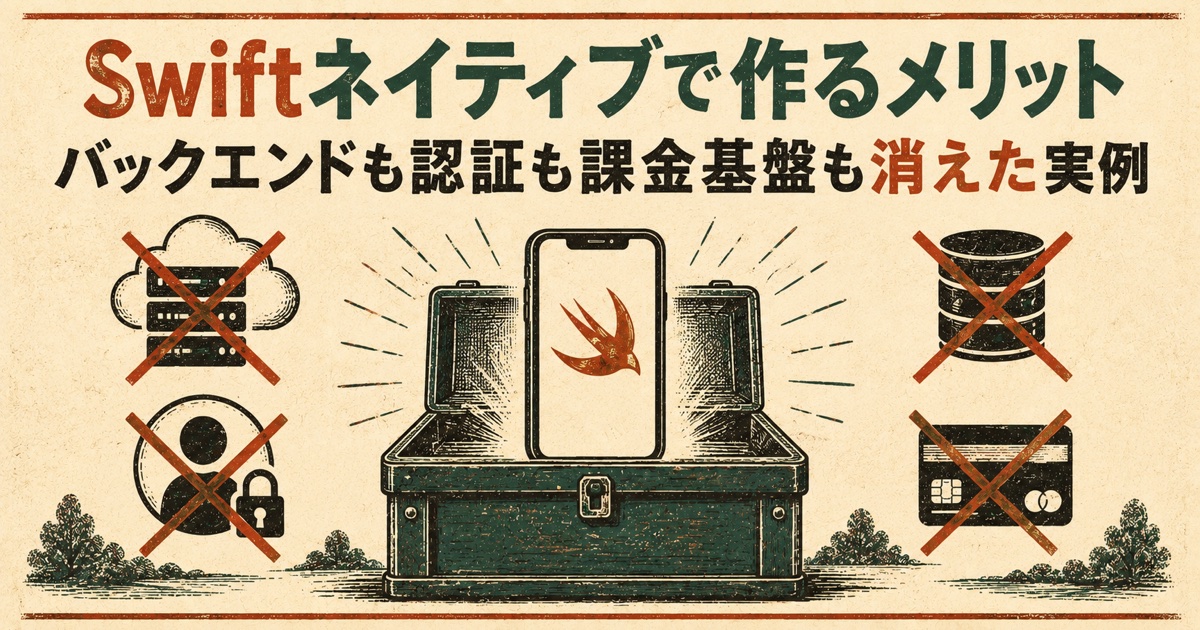
No BaaS. No auth. No server. No billing SDK. No push infrastructure. The app shipped to the App Store on August 26, 2026 with a monthly infrastructure cost of ¥0, and passed review on the first try.
This post is about why that happened, the exact conditions that make it possible, and the traps — especially in CloudKit — that will cost you a day if nobody warns you.
What you'll learn
- The full list of things that vanished, compared side by side with my Flutter apps
- The one condition under which SwiftData + CloudKit removes the need for a backend
- Three CloudKit gotchas that silently kill sync in production
- Why I skipped RevenueCat for a one-time purchase, and what App Review actually checked
- What I gave up: iOS-only, deep CloudKit dependency, iOS 17+
The short version: native's real benefit is borrowing less
Not speed. Not looks. The biggest win was that sync, identity, storage and billing already live inside the OS. When your app fits a certain shape, you stop renting those things from third parties — you stop needing them at all.
The shape is specific: no server-side processing, and data that belongs to one user and nobody else. A personal photo album fits. An app that calls an AI API does not, because you have to protect the API key somewhere, and that "somewhere" is a server no matter what language you write the client in.
The stack
| Layer | Choice |
|---|---|
| UI | SwiftUI |
| Local database | SwiftData |
| Cloud sync | CloudKit private database (SwiftData's automatic sync) |
| Photo access | PhotoKit (custom year-based picker) |
| Billing | StoreKit 2, directly |
| Minimum OS | iOS 17.0 |
Zero third-party SDKs. No server contract, no database contract.
What disappeared
| My Flutter apps needed | This app |
|---|---|
| BaaS (Firebase / Supabase) | Not needed — CloudKit private DB |
| Auth (Sign in with Apple, anonymous auth) | Not needed — rides on the iCloud account |
| Server-side ledger / serverless functions | Not needed — purchase verified on-device |
| Billing SDK (RevenueCat) | Not needed — StoreKit 2 directly |
| Push notification infrastructure | Not needed — local notifications |
| Third-party data sharing in the privacy policy | Not needed — declared "no data collected" |
Sync and backup: SwiftData + CloudKit
Enable CloudKit on your SwiftData model and everything you save syncs to the user's own iCloud private database. From the code's point of view you're just writing to a local store.
For a "lifetime album" app, not losing data is the product. What I measured in the proof of concept:
- Saves reached the server within seconds to tens of seconds
- Delete the app, reinstall, and all data was back about 30 seconds after launch
- Confirmed the image blobs were actually on the server, not just metadata
Doing the same in Flutter meant signing up for a BaaS, designing a schema, writing sync code, and setting up auth. All of that collapsed into a model definition and a configuration flag.
Identity: you don't need it
This was the biggest experience change. I never built an account system. Users see "I changed phones and my data came back" without ever signing up for anything. People not signed into iCloud still get every feature locally.
In a previous app I added Sign in with Apple purely to answer "whose balance is this?" for consumable credits. Here, the OS already knows who owns the data.
Billing: StoreKit 2 directly, no RevenueCat
I've written about RevenueCat before and I still recommend it — for subscriptions. Its value is in handling renewals, grace periods, trials, plan changes and multi-store sync. This app sells one non-consumable, no subscription, iOS only. None of those apply.
Transaction.currentEntitlements gives you Apple-signed purchase state on-device. There's no "how many credits are left" to track — just "bought or not" — so no server ledger either.
func refreshEntitlements() async {
    var owned = false
    for await result in Transaction.currentEntitlements {
        if case .verified(let tx) = result,
           tx.productID == Self.premiumProductID,
           tx.revocationDate == nil {
            owned = true
        }
    }
    isPremium = owned
}

func restore() async {
    do {
        try await AppStore.sync()
    } catch StoreKitError.userCancelled {
        return   // user backed out of sign-in; not an error
    } catch {
        lastError = error.localizedDescription
    }
    await refreshEntitlements()   // re-read local state even if sync failed
}
One thing that surprised me during Sandbox testing: after purchase → delete app → reinstall, the purchase came back without pressing Restore. currentEntitlements on launch returns App Store's record. The Restore button is a fallback (AppStore.sync()) for when that doesn't happen, and App Review still expects it to exist.
If subscriptions ever come, I'll move to RevenueCat then — existing purchases carry over.
Privacy: "Data Not Collected" is true
With no third-party SDK in the binary, the App Privacy declaration is simply "Data Not Collected." Photos and records live only in the user's iCloud; I can't see them.
That's less review friction, but it also changes what you can write on the product page. "Your photos are yours" is a sentence you can only write when the implementation makes it true.
Where native paid off in practice
Photo library access (PhotoKit). The app's core interaction is "pick one photo per year." I dropped the system picker and built my own on PhotoKit, where filtering by capture date is a natural query. Tested against a 14-year library on an iPhone SE: no perceptible lag in the year grid or scrolling. Also verified that under Limited access (selected photos only) the experience degrades gracefully — you see only the years that have permitted photos, with a banner to add more.
Widgets. Home and lock screen widgets show "days together." WidgetKit is SwiftUI, so the same code style carries over from the app. Flutter can do widgets too, but the iOS widget itself still ends up written in SwiftUI — native just removes that boundary.
Image compression decisions in minutes. Choosing the format and quality for CloudKit storage was a matter of running the OS encoder and reading numbers:
| Format | Size (from 459 KB) | Encode time |
|---|---|---|
| JPEG q0.8 | 456 KB | 10 ms |
| JPEG q0.5 | 233 KB | 6 ms |
| HEIC q0.8 | 300 KB | 76 ms |
| HEIC q0.5 | 153 KB | 38 ms |
HEIC came in at ~65% of JPEG at equal quality. I settled on HEIC, long edge 2048 px, q0.7. Having real numbers before deciding means you don't revisit it later.
Notifications stay local. Milestones like "100 days together" or "turned 3" are all UNUserNotificationCenter local notifications. No push server. They fire a few times a year, so no notification fatigue either.
The CloudKit traps that will silently break your production build
This is the section I wish I'd read before starting. None of these produce an error. Sync just stops.
1. Development and Production schemas are separate, and nothing moves automatically
Xcode builds use CloudKit's Development environment. TestFlight and App Store builds use Production. The schema SwiftData auto-creates during development does not exist in Production until you deploy it manually from CloudKit Console (Schema → Deploy Schema Changes to Production).
Forget this and your release build syncs nothing, with no error anywhere. I ended up deploying three times because I added fields mid-development, and every model change needs a redeploy before you ship that version.
2. Fields that were never written don't exist in the schema
The Development schema is built from data that actually synced. An optional property that never held a value isn't in the schema at all — so it won't be in Production after deploy either.
Before deploying, I had to walk through the dev app and touch every field: register two cats (one with an exact birthday, one with an estimated range, because the estimate fields only appear when used), record both voice slots, add a memory with two photos (a one-image memory never creates the image record type). Miss one and that feature silently doesn't sync in production.
3. Large-blob fields need a large blob to exist
.externalStorage attributes become two CloudKit fields: CD_imageData (BYTES) and CD_imageData_ckAsset (ASSET). Values over roughly 1 MB go to the ASSET side — and the ASSET field only appears in the schema once a value that big has actually synced. My production images are compressed below 1 MB, so the field never got created. I had to temporarily disable compression in a dev build, sync one photo, confirm the field existed, then revert (without committing).
Pre-release checklist I now use
- In the dev build, write a value to every field, then confirm sync succeeded in Settings
- CloudKit Console → Schema → Deploy Schema Changes to Production
- Switch to Production and eyeball the record types and field counts
- Delete the dev build before smoke testing (environment switch corrupts local sync metadata otherwise)
- Temporarily set
com.apple.developer.icloud-container-environment = Productionin entitlements and install a-configuration Releasebuild to a device — this is the only way to exercise "release config + production CloudKit" before review
After launch: Production is append-only
You can add fields; you cannot delete or change types. That's fine — deploying never touches records. The real danger is on the app side: SwiftData + CloudKit supports lightweight migration only. Rename or retype an existing property and users who update will fail to open the store on launch. My rule now: optional or defaulted additions only.
What I gave up
- iOS only. Android was never on the table. That's a business decision, not a technical one
- Deep CloudKit dependency. Moving to another backend later would not be easy. Chosen knowingly
- iOS 17+, required by SwiftData
- Schema deploy is a manual ritual you must never forget (see above)
Writing Swift with Claude Code
Since I build everything with AI-driven development: Swift was not a disadvantage. SwiftUI and SwiftData have plenty of coverage; Claude Code worked as usual.
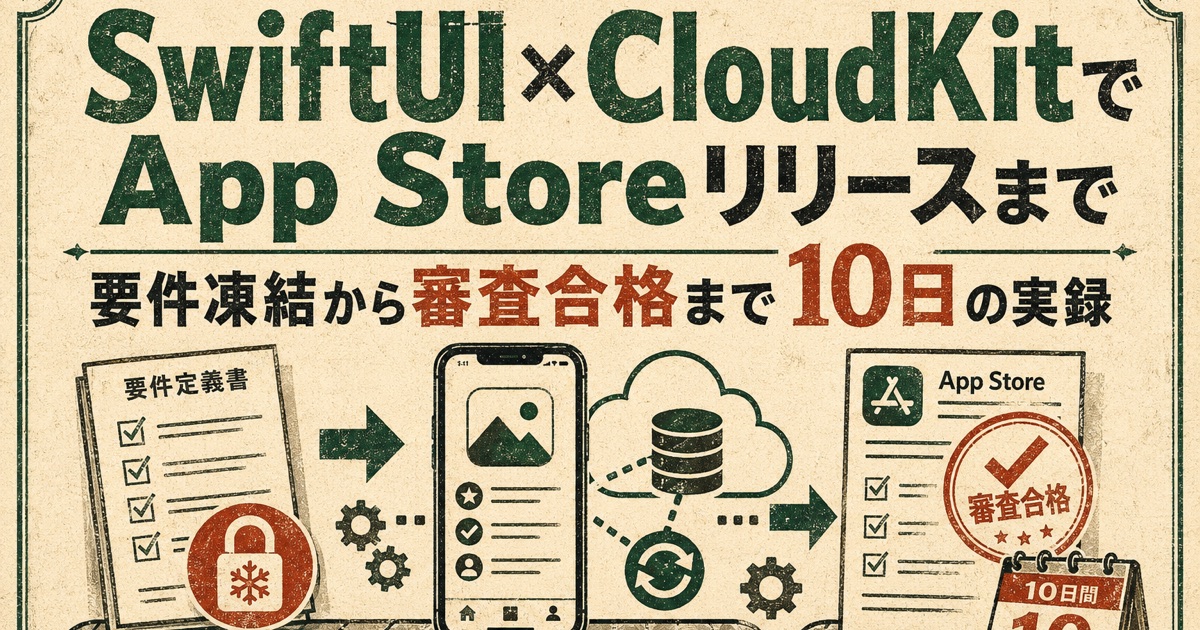
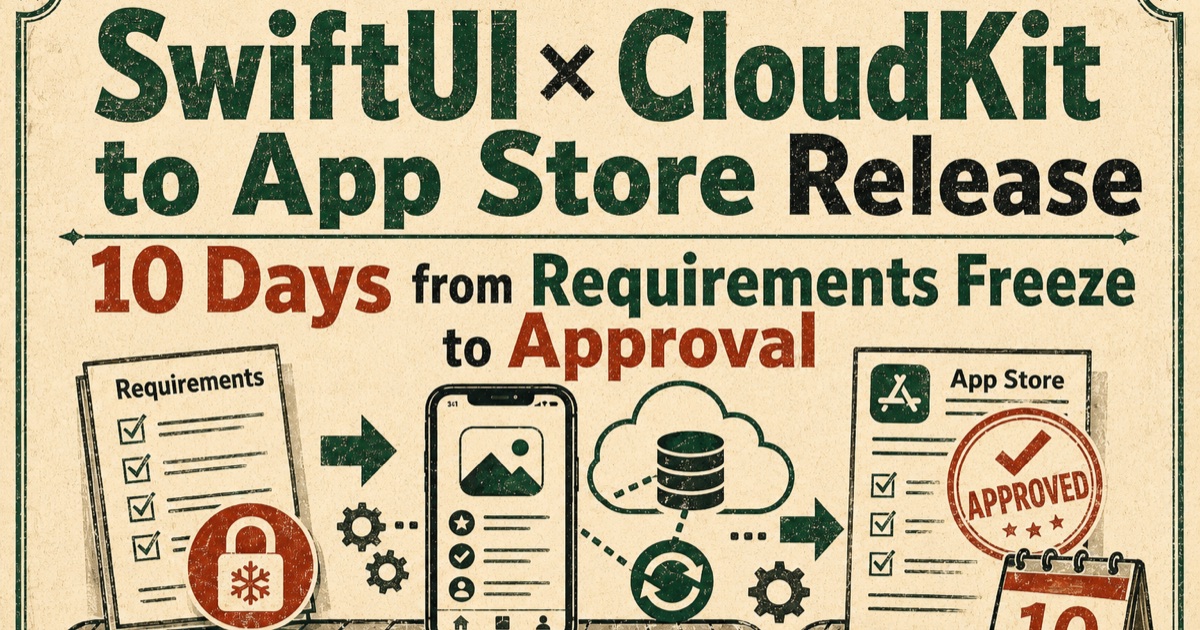
What mattered more than the language was the process. Before any production code, I had Claude build two proofs of concept — "is a year-filtered photo picker practical on a real device?" and "does data survive delete-and-reinstall?" — write up the results, and only then lock the architecture. Requirements frozen, both PoCs done, and production started on the same day; review submission four days later; approved seven days after that.
When adopting unfamiliar tech, have the AI produce evidence for the decision before it writes production code. Rework drops dramatically.
When to go native vs. cross-platform
My current rule of thumb after three apps (two Flutter, one native):
| If… | Lean toward |
|---|---|
| You must protect an external API key | Either — you need a server anyway |
| Data is personal and self-contained | Native (CloudKit removes the backend) |
| Android is on the roadmap, even maybe | Cross-platform |
| Widgets, photos, sensors are the core | Native |
| Complex billing (subscriptions, consumables) | Use a billing SDK (either platform) |
| One non-consumable | Native (StoreKit 2 is enough) |
Takeaways
- Native's biggest benefit is borrowing less — sync, identity and billing are already in the OS
- It works when there's no server-side logic and data belongs to one user. AI-calling apps still need a server on any platform
- CloudKit will silently stop syncing in production if you forget to deploy the schema, never wrote a field, or never synced a large blob. Checklist it
- StoreKit 2 alone passes review for a single non-consumable; keep the Restore button anyway
- After launch, only add optional fields. Renames break existing users
Tools are chosen for the job, not ranked. But knowing that "this app needs zero external services" is a real option is worth a lot to an indie developer. The less you maintain, the longer your app lives.
The app is Neko no Issho Album (猫の一生アルバム — "A Cat's Lifetime Album"), on the App Store and listed on AppVillage. The Japanese originals go deeper: design decisions and the 10-day release log.